



- Home
- Order with Google
Make Google's order button point to you.
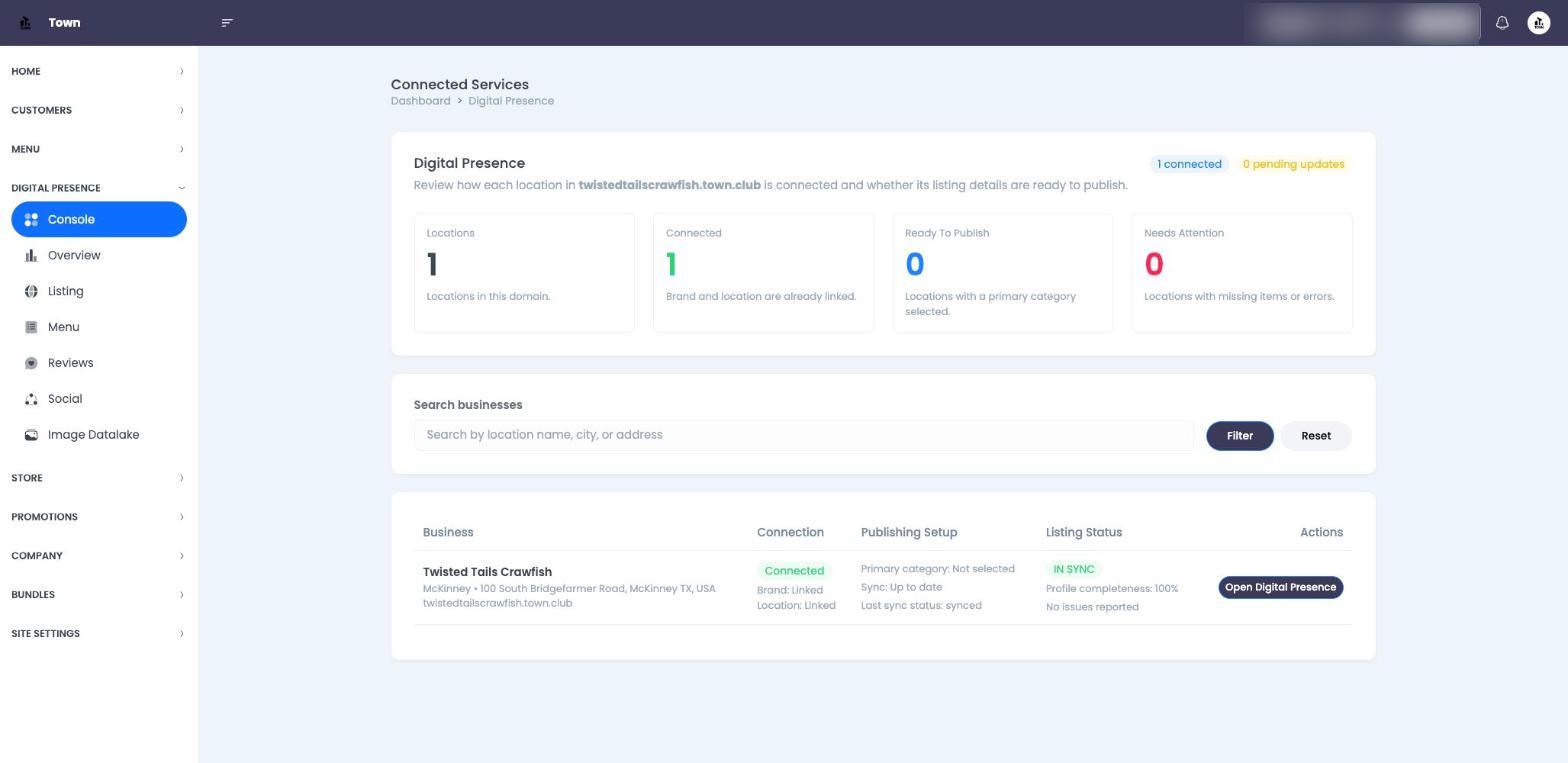
When someone searches your name or "food near me", the Order online button on your Google Business Profile decides who gets the order. Town points it at your own ordering, keeps the rest of your listing in sync, and takes 0% of the order.
- Your ordering as the primary button
- Hours, menu and photos in sync
- 0% commission on every order
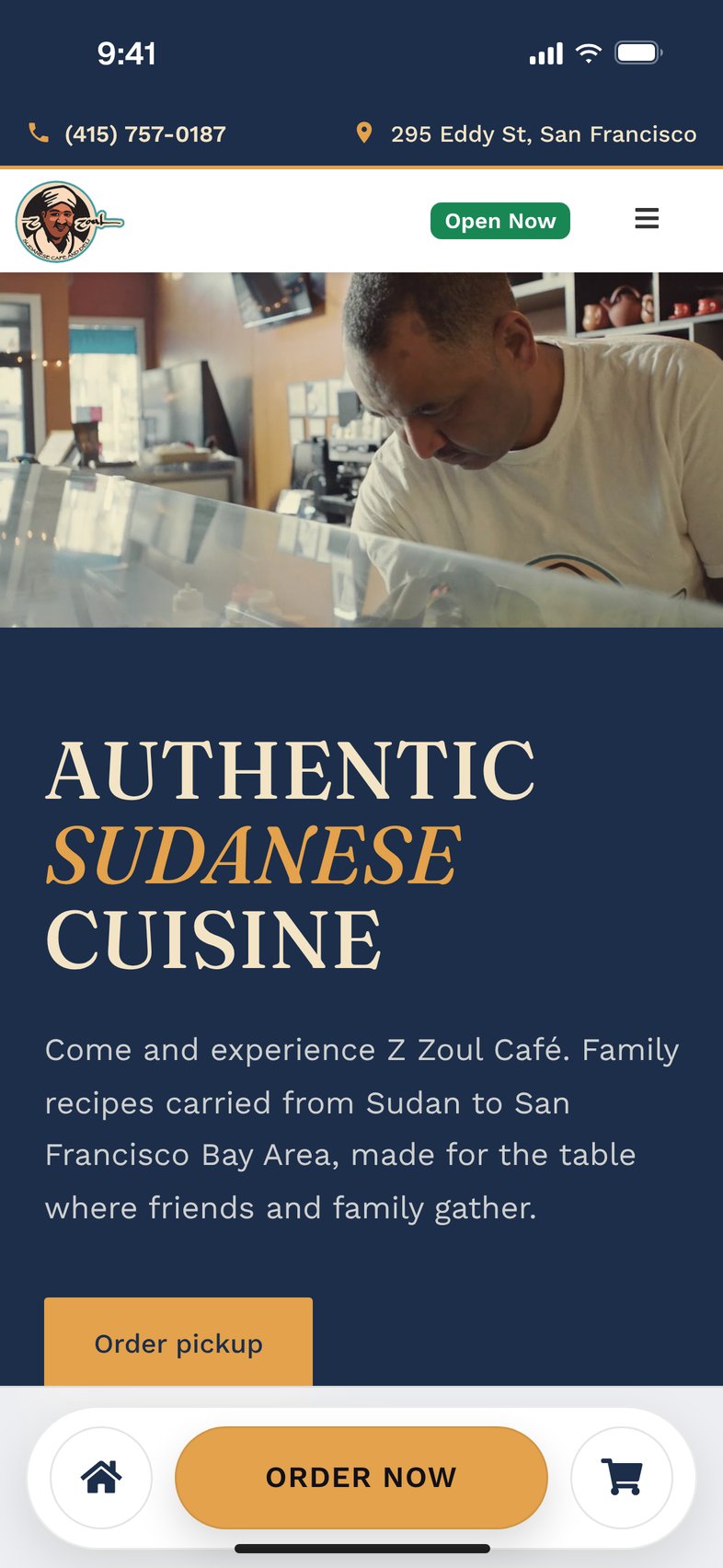
Whoever owns the button owns the order.
The busiest front door you have
More people find you on Google Search and Maps than anywhere else.
Marketplaces fill the button for you
Ordering providers connected to your profile push their links, which is why so many restaurants find their button sending guests to DoorDash.
Wrong details cost you twice
Mismatched hours or addresses hurt your ranking and your order button.
From search to your kitchen.
We connect your Google profile
Your Google Business Profile is managed from the Google and listings section of your Town admin.
Your ordering becomes the button
We point the order button at your own Town ordering as the primary link.
Orders come in direct
A guest taps Order online on Google and checks out on your site, at 0% commission.
Questions about Google.
Why does my Google button go to DoorDash?
Google fills the order button from ordering providers connected to your profile, and the marketplaces push their links automatically. Setting your own ordering as the primary link fixes it.
Does Town keep my Google listing up to date?
Yes. Hours, menu and photos stay in sync on Google and 50+ other platforms, and reviews land in one inbox. Local listings.
Does this cost extra?
No. It's part of the $300 a month.
More on getting found on Google.
Grade your Google listing free.
A report on your site, your Google listing and your online ordering in under a minute.