Guide
Restaurant ordering system: the complete guide
A restaurant ordering system is the software that lets customers place orders for pickup, delivery, or dine-in, and routes those orders to your kitchen. But the term covers several very different models, and the one you choose decides how much you pay, who owns your customers, and how much of the work you have to manage. This guide explains the types, the features that matter, and how to choose.
By Town · Reviewed July 2026 · ~11 min read
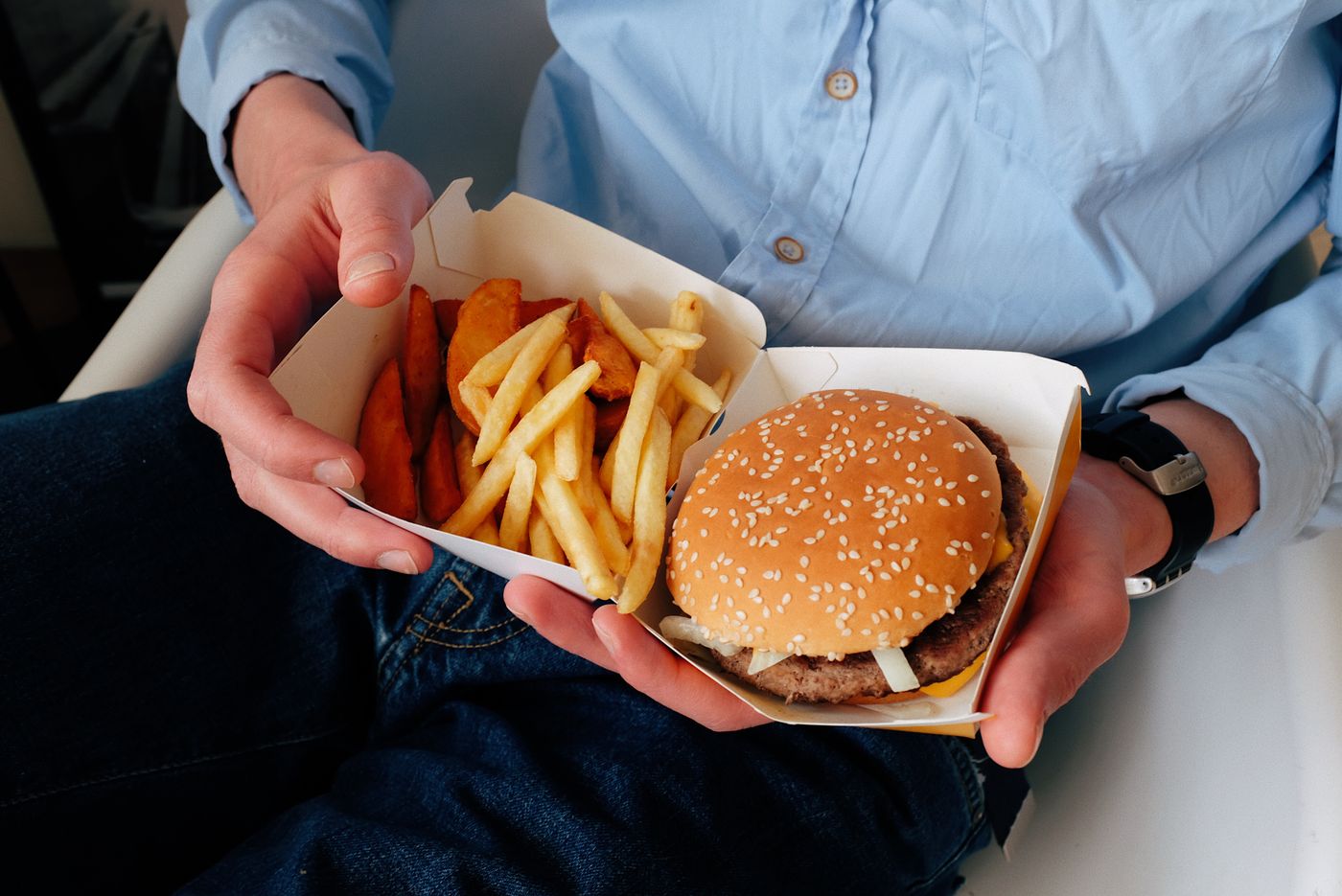
What a restaurant ordering system actually is
At its simplest, an ordering system does three jobs: it shows customers your menu, it takes and pays for the order, and it gets that order to your kitchen accurately. Everything else, delivery, loyalty, marketing, reporting, is built around those three. The differences between systems come down to where the order happens and who keeps the relationship.
The main types of ordering system
- Marketplace ordering (DoorDash, Uber Eats, Grubhub). Great for discovery, but you pay 15% to 30% per order and the marketplace keeps the customer.
- POS-integrated ordering (a module on a full point-of-sale like Toast). Tightly connected to in-house operations, but often bundled with hardware and per-terminal fees you may not need.
- Direct, branded ordering (a platform like Town). Orders happen on your own site, you keep the customer and the margin, usually at a flat low fee.
- Standalone menu tools (some "free" ordering widgets). Cheap to start, but often recover cost through checkout surcharges, ads, or by owning your data.
The features that actually matter
- One menu everywhere. Edit once and have it update across your site, ordering, and delivery, so prices never drift apart.
- Modifiers and scheduling. Sizes, add-ons, prep times, and order-ahead, so the system fits how you really serve.
- Delivery you control. The ability to offer delivery on real driver networks without handing over the customer.
- Customer ownership. You keep names, emails, and order history so you can bring guests back.
- Fair, predictable fees. A flat per-order fee beats a percentage that rivals the delivery apps.
- Real support. Someone to call when a printer or a payout goes sideways.
How fees work across systems
Cost hides in different places depending on the model. Marketplaces charge a per-order percentage. POS bundles charge software plus processing plus hardware. Free tools charge your customers at checkout or monetize your data. Direct platforms usually charge a flat monthly plus a low per-order fee. To compare fairly, add every piece for a normal month, not just the sticker price.
How to choose
Match the system to your goal. If you mainly need discovery, keep a marketplace presence but do not make it your main channel. If you want to keep more margin and own your customers, a direct branded platform is the strongest base, with the apps used only for reach. Online Ordering shows how Town's direct ordering works, and How to choose online ordering software goes deeper on choosing software feature by feature.
Key takeaways
- An ordering system shows your menu, takes payment, and routes orders to the kitchen.
- The four models, marketplace, POS-integrated, direct branded, and free tools, differ mostly in fees and customer ownership.
- The features that matter most: one menu everywhere, modifiers, controllable delivery, customer ownership, fair fees, and support.
- Compare total monthly cost, not sticker price, because fees hide differently in each model.
- For margin and customer ownership, a direct branded platform is the strongest base.
Frequently asked questions
What is a restaurant ordering system?
What is the best type of ordering system?
How much does a restaurant ordering system cost?
Should my ordering system be part of my POS?
What ordering system lets me keep my customers?
The ordering system you own
Branded ordering, delivery, and your customer list.