Guide · Local SEO
Optimizing Your Google Business Profile
The number one way new customers find you, shown live with Shin's Donut Palace.
By Town · Reviewed July 2026 · about a 5 minute read
Your Google Business Profile (formerly Google My Business) is the free listing that puts your restaurant on Google Search and Google Maps. For a local restaurant it is usually the single biggest source of new customers, more than the website and more than social. This walkthrough uses a real donut shop, Shin's Donut Palace, to show exactly what to fix, and in what order, so more of the people searching "restaurants near me" end up walking through your door. Everything here is free and takes minutes, not money.
01 · Your storefront
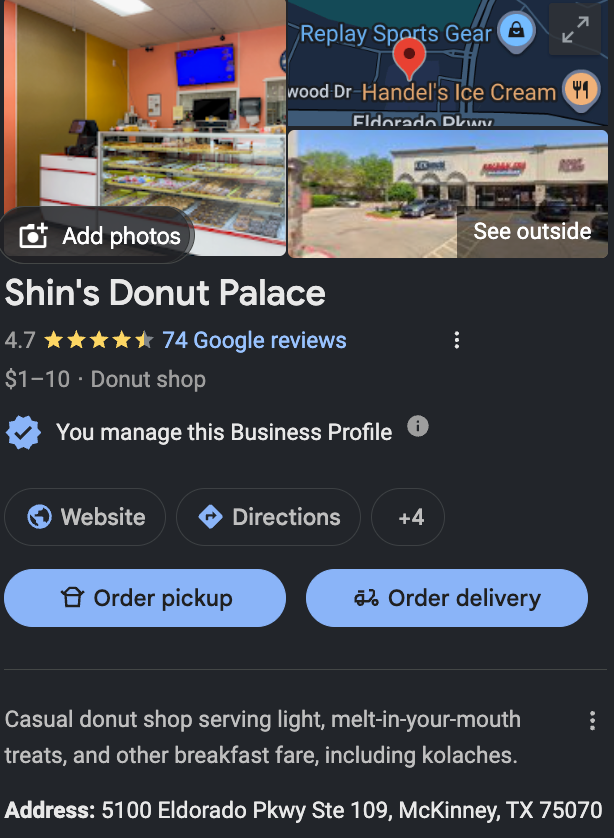
This is where most customers meet you first.
Your Business Profile is the panel that appears on Google Search and Google Maps when someone looks you up, and for most restaurants it gets more views than the website ever does. Photos, your star rating, hours, and the order buttons all live here. Filling every field so the profile reads complete is the single highest-return hour you can spend on marketing.
02 · How people find you
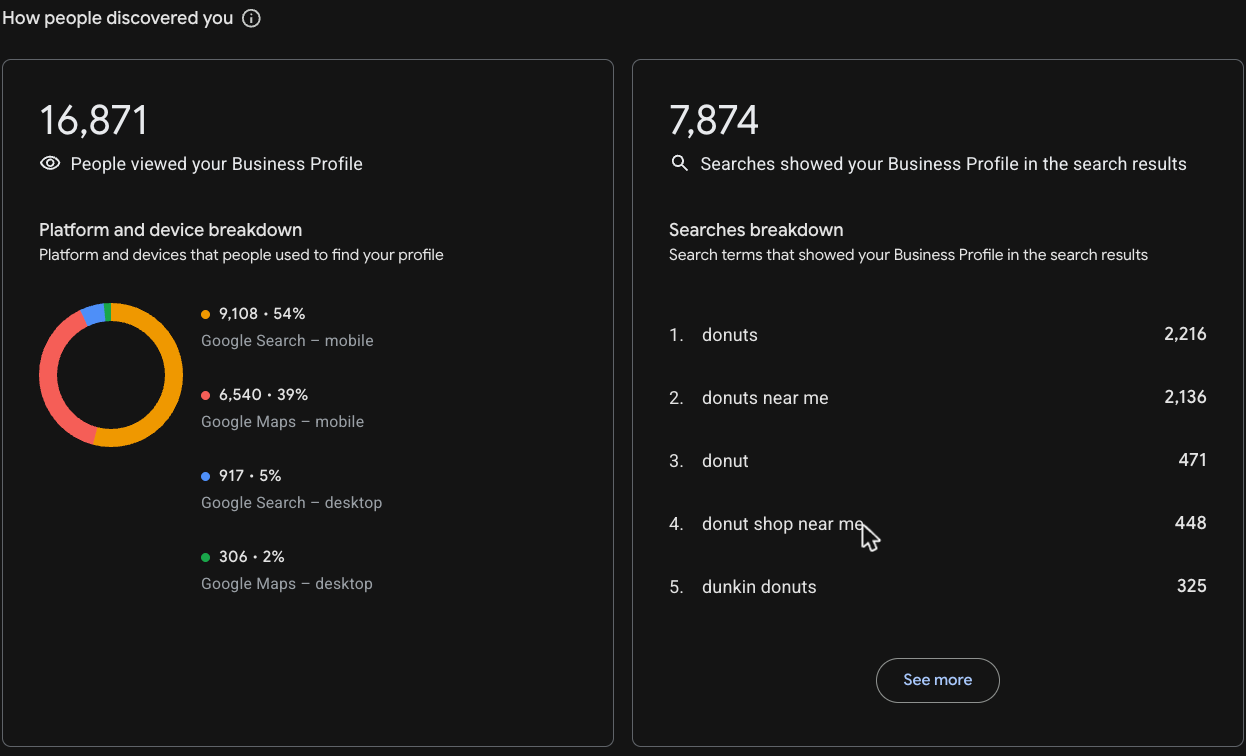
Most people search. They don't know your name yet.
The performance tab shows how customers actually reach you. The vast majority arrive through discovery searches like "donuts near me" rather than by typing your name, and almost all of them are on a phone. That tells you which categories and terms to optimize for, and why a mobile-friendly, ready-to-order profile matters more than a clever tagline.
03 · Reviews
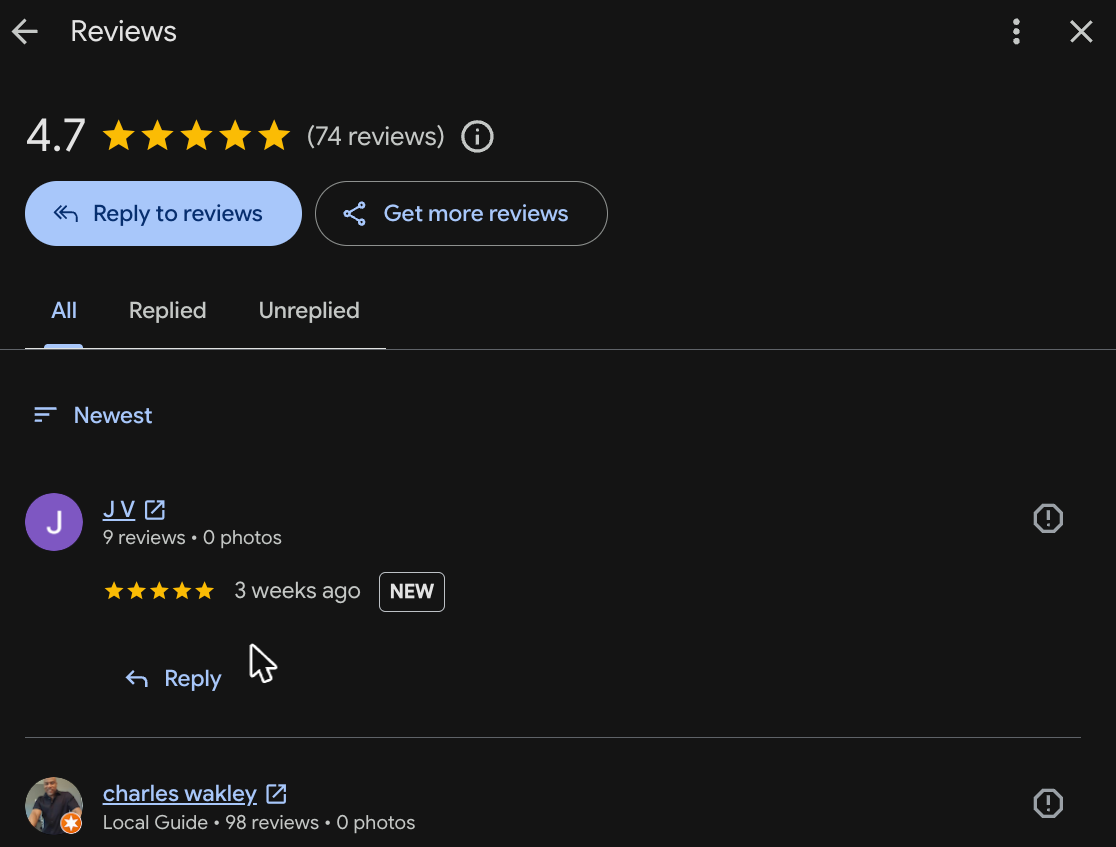
Reply to every review, good and bad.
Reviews are both social proof and a ranking signal. Replying to every review, especially the critical ones, shows future customers you pay attention and keeps your profile active in Google's eyes. A steady flow of fresh, answered reviews does more for you than a big pile of old ones nobody responded to.
04 · Posts
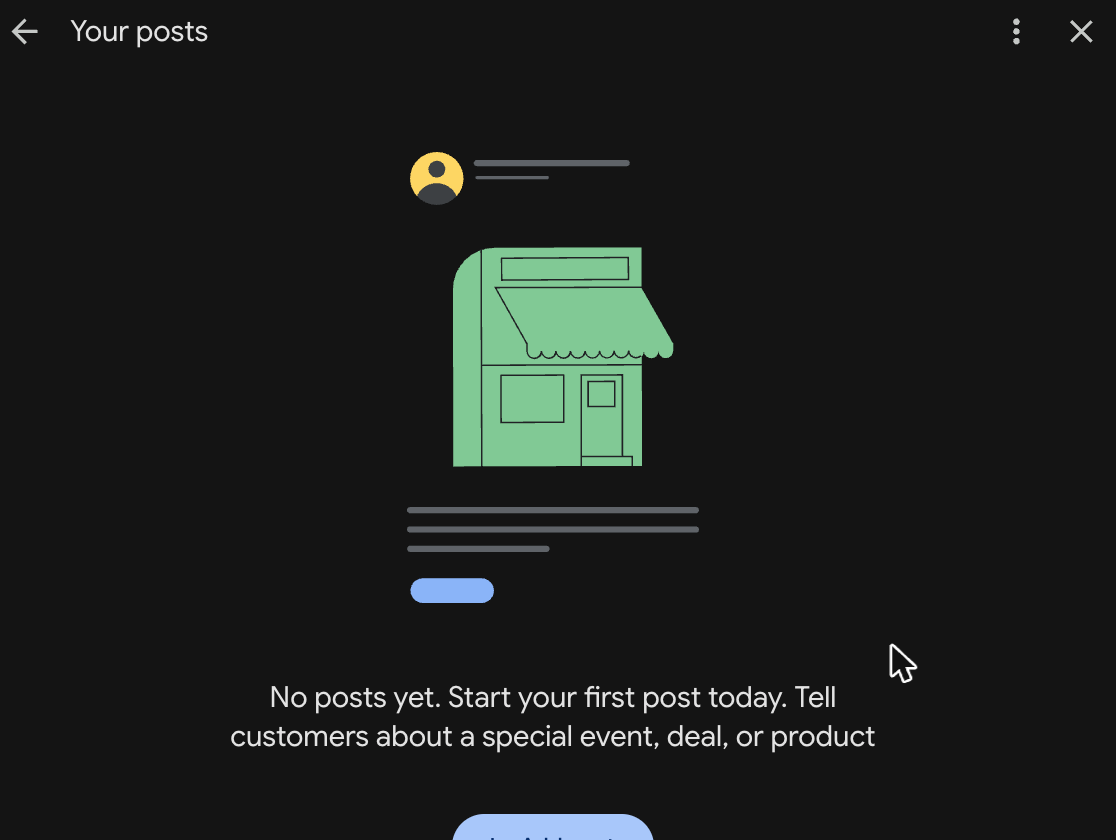
Use the free space Google gives you.
Google Posts are free updates that show right on your profile, and almost no restaurant uses them, which is exactly why they are an edge. Publishing a couple of times a week, an offer, a new item, an event, keeps your listing fresh, gives searchers a reason to act, and helps you rank. This is the fastest free win on the page.
Priority
05 · Photos
Show the room, not only the food.
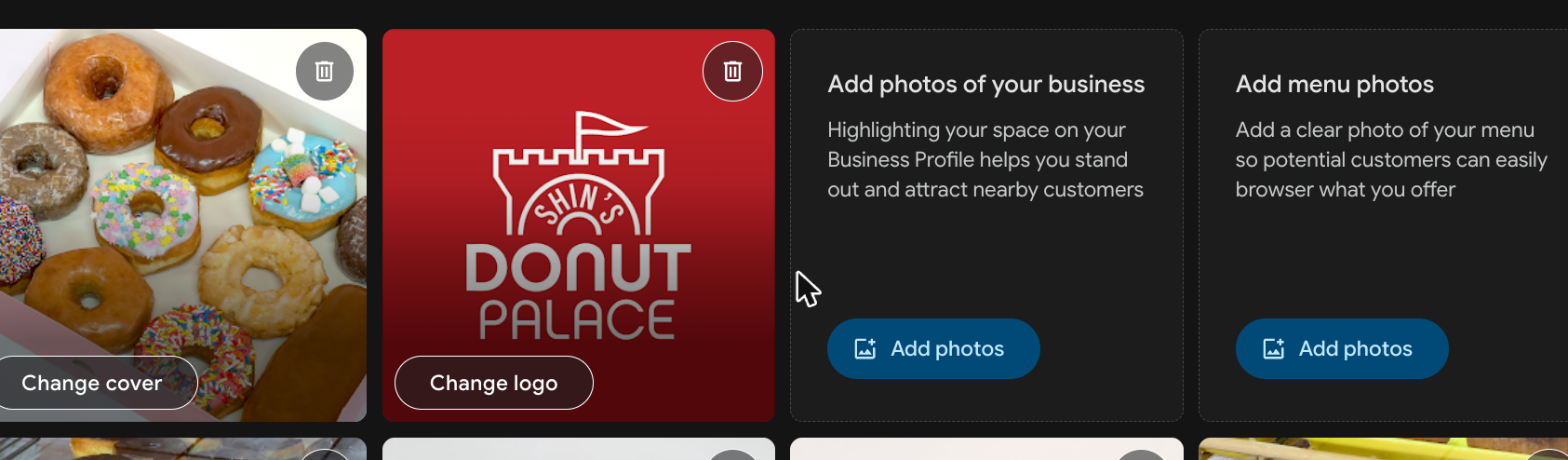
Profiles with strong, current photos earn more clicks and more directions requests. Go past plated food: add the dining room, the storefront, a clear shot of the menu, and a short video so people can picture themselves there. Keep new photos coming so the listing always looks open, busy, and worth the trip.
06 · Actions
Turn on the buttons customers want.
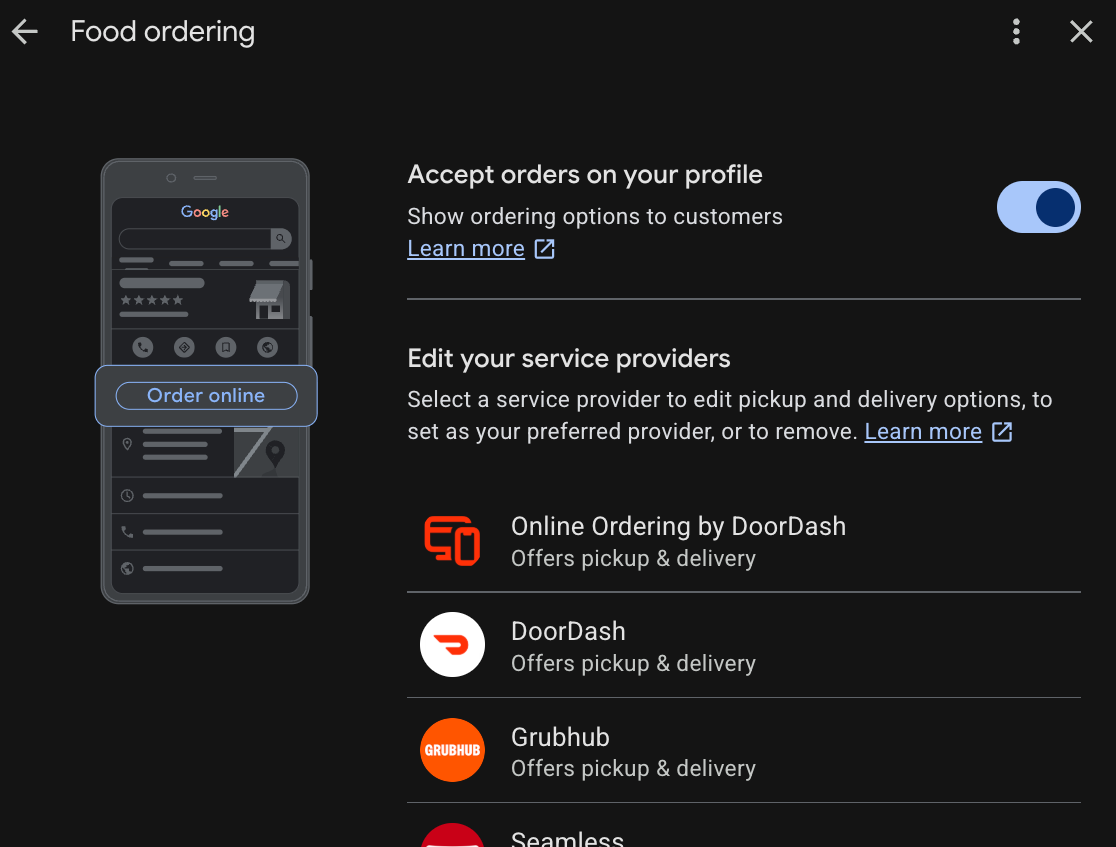
The action buttons, Order, Call, and Directions, are how a search becomes a sale. Turn them on and check that every link works and points where you want it to. The fewer taps between a "near me" search and checkout, the more orders you keep, and the fewer you hand to a marketplace.
07 · Menu
Keep one accurate menu everywhere.
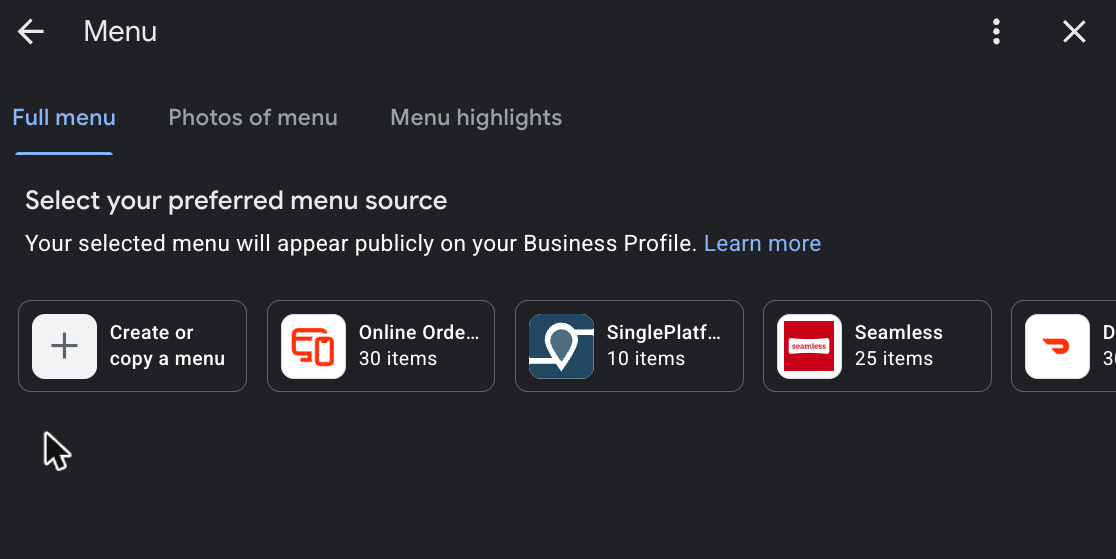
Google pulls your menu from a source you choose. Pick one accurate menu with photos and prices and keep it identical everywhere it appears. One source of truth builds trust with hungry searchers and stops out-of-date prices or missing items from showing up on your listing.
08 · The checklist
Work down the list.
You are probably doing most of this already. The gaps are the free wins, the stuff sitting right there costing you customers. Tick each one off as you go.
Complete the basics
PostsStart here
The most ignored feature on Google. Free, and it helps you rank.
Reviews
Photos
Actions & menu
Questions & answers
Keep it going, weekly rhythm
Pick three this week: post twice, reply to every review, add some photos. A complete, active profile shows up more, earns more trust, and turns "near me" searches into people walking in.
Let Town keep you found everywhere
Town syncs your name, hours and menu across Google, maps and 50+ listings, and builds ordering right into your profile.