Guide
Mobile ordering for restaurants
Nearly all online restaurant orders now happen on a phone, which makes mobile ordering not a feature but the main event. The restaurants that win are the ones where ordering on a phone is fast, obvious, and pleasant. This guide covers what a great mobile order experience needs and how to offer it without forcing an app download or paying a marketplace.
By Town · Reviewed July 2026 · ~9 min read
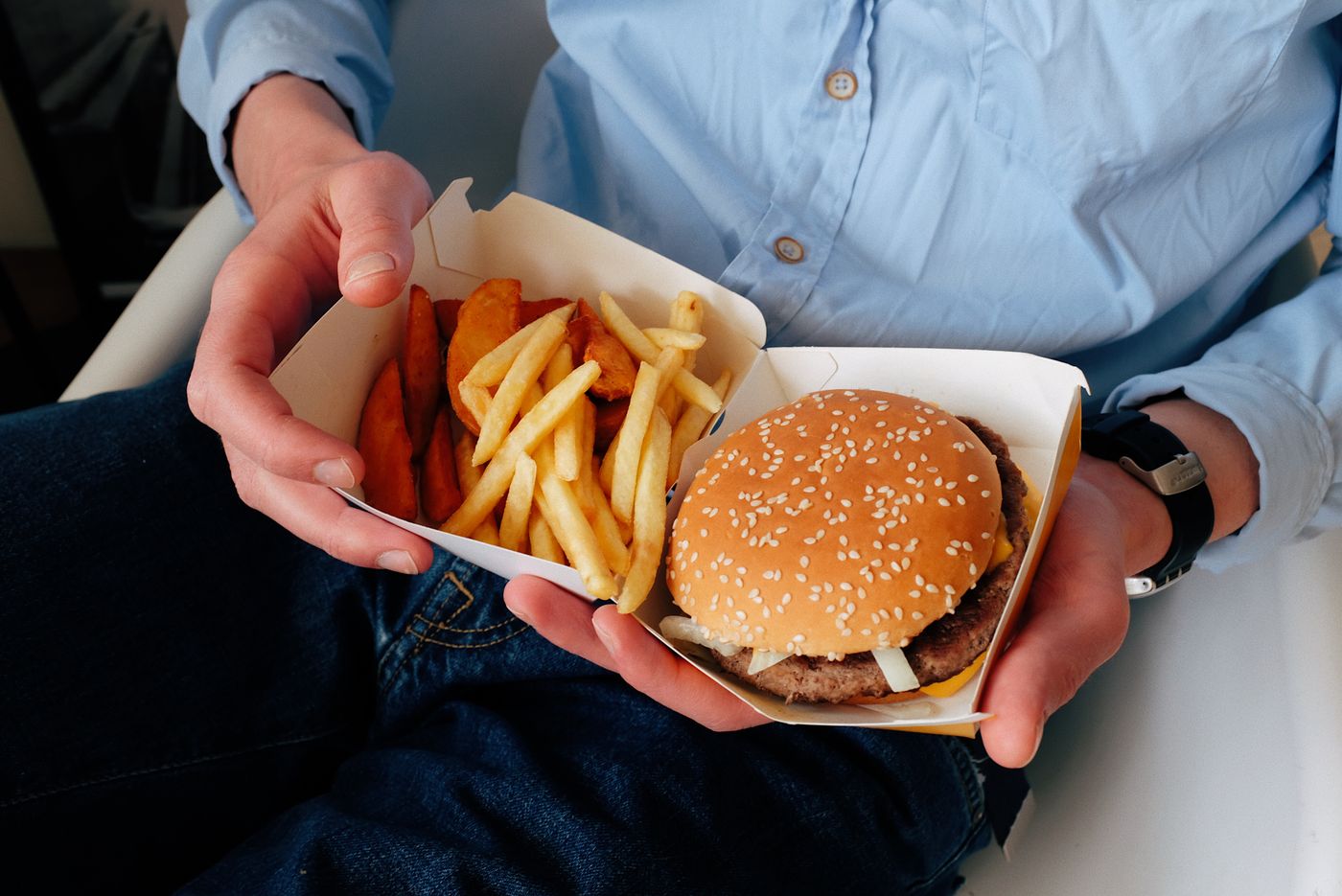
Mobile is where ordering happens now
When a hungry local decides to order, they are almost always holding a phone, coming from a Google search, an Instagram post, or a text from a friend. If ordering from you on that phone is slow or confusing, you lose them in seconds, usually to whoever made it easy. Mobile ordering is not a nice-to-have, it is the primary path to a sale.
What a great mobile order experience needs
- Speed. The menu and order button load instantly, no waiting, no zooming.
- An obvious path. Find item, customize, pay, done, in as few taps as possible.
- Photos and clear modifiers, so choosing is quick and confident.
- Easy payment, cards plus Apple Pay and Google Pay, with no forced account creation.
- No app required. Making someone download an app to order once is a conversion killer.
App vs mobile web
A dedicated app can suit a high-frequency concept where regulars order weekly, but for most restaurants a fast mobile web ordering experience wins, because it works instantly from a search or link with nothing to install. The best of both worlds is a mobile ordering site so smooth it feels like an app, without the download barrier.
Do it without the marketplace
You do not need DoorDash to offer great mobile ordering. With Town, your own branded ordering is built mobile-first, loads fast, takes Apple Pay and Google Pay, and needs no app, and when you offer delivery it runs on the same DoorDash and Uber drivers at a flat low fee. See Online Ordering and Restaurant App.
Key takeaways
- Nearly all online orders happen on a phone, so mobile ordering is the main event, not a feature.
- A great mobile order needs speed, an obvious path, photos, easy payment, and no forced app download.
- For most restaurants, fast mobile web beats a dedicated app because it works instantly from a link.
- Support Apple Pay and Google Pay and skip forced account creation.
- Town's ordering is mobile-first, app-free, and can add delivery on the same drivers at a flat fee.