Guide
Tablet and kiosk ordering systems for restaurants
Tablet and kiosk ordering systems put ordering in the guest's hands or on the counter, a tablet that receives and manages orders in the kitchen, or a self-order kiosk that lets customers order and pay themselves. Used well they speed up service and lift average order size. This guide covers how they work, the benefits, and the costs to watch.
By Town · Reviewed July 2026 · ~9 min read
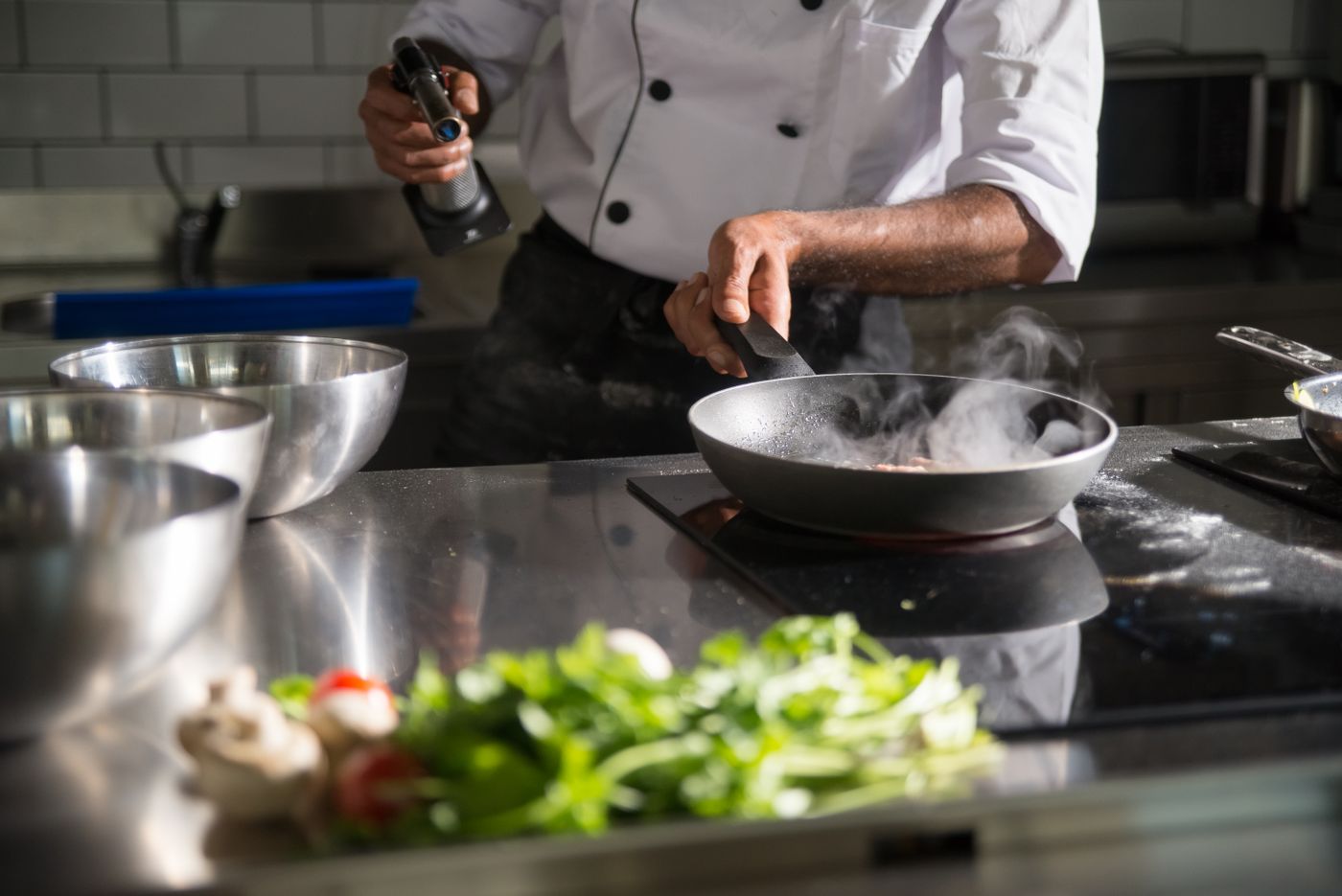
Tablet ordering vs self-order kiosk
Two related ideas often get lumped together. A tablet ordering system is usually the restaurant-side device that receives online and in-house orders, confirms them, and routes them to the kitchen, replacing a pile of paper tickets. A self-order kiosk is customer-facing: a screen where the guest browses, customizes, and pays without a cashier. Both reduce friction, they just do it on different sides of the counter.
Why restaurants add them
- Faster service at peak, with fewer bottlenecks at the register.
- Larger orders, screens prompt add-ons and upsizes consistently, without the awkward ask.
- Fewer errors, the guest confirms their own order, and it flows straight to the kitchen.
- Labor flexibility, staff move from taking orders to making and running them.
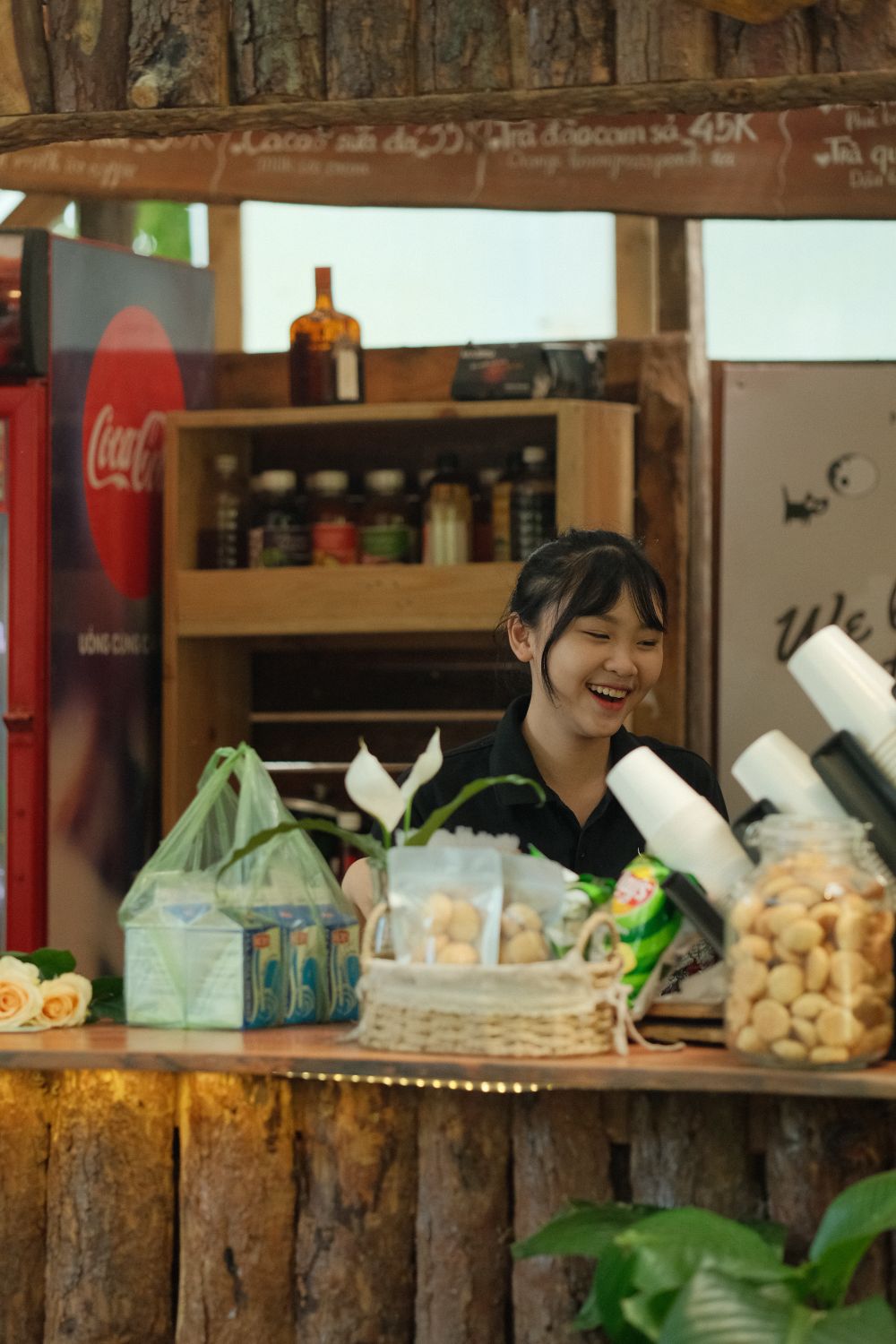
The costs to watch
Kiosk and tablet programs can carry hardware costs, per-device software fees, and payment processing. The trap is buying an expensive bundled system when what you really need is reliable order routing plus your own ordering. Ask what the device actually does that a simpler setup does not, and whether the fees scale with the number of terminals.
Adding a tablet without the marketplace cut
You do not need a marketplace or a heavy POS to get a working tablet. With Town, orders from your own branded site and delivery route straight to a tablet in your kitchen, confirmed and printed, with no 15% to 30% commission and no per-terminal software tax. It is the operational simplicity of a tablet system without handing over your customers. See Online Ordering and the Tablet setup guide.
Key takeaways
- A tablet ordering system receives and routes orders in the kitchen; a self-order kiosk is customer-facing.
- Both speed service, lift order size through consistent upsells, and cut errors.
- Watch hardware costs, per-device software fees, and processing.
- You do not need a marketplace or heavy POS to get reliable order routing.
- Town routes your direct and delivery orders to a kitchen tablet with no commission or per-terminal tax.
Frequently asked questions
What is a tablet ordering system for restaurants?
What is a self-order kiosk?
Do kiosks increase order size?
How much do tablet and kiosk systems cost?
Can I get a kitchen tablet without joining a marketplace?
Order routing without the tax
Your orders to a kitchen tablet, no commission.