Guide · Websites
A restaurant website that actually ranks
A pretty site nobody finds is a brochure. Here's what makes a restaurant website rank and convert.
By Town · Reviewed August 2026 · about a 7 minute read
Most restaurant websites lose on Google for the same few reasons: they're slow, they say nothing about where you are, their menu is a flat image Google can't read, and they make ordering hard. Fix those and your site starts pulling in "near me" and "[your food] in [your city]" searches, and turning them into orders you keep. Here's the walkthrough, with the pieces that matter most first.
01 · Own it
Rank your own site, not a marketplace page.
When customers order through a marketplace, the marketplace ranks, not you, and you pay for every order forever. A website you own lets you rank for your name, your food and your city, and keep the customer and the margin. Owning the site is the foundation everything else sits on.
02 · Speed & mobile
Fast and mobile-first, or you don't rank.
Almost everyone finds you on a phone, and Google ranks on mobile speed. A site that loads in a second or two, with tap-friendly buttons and a menu that's easy to read on a small screen, beats a heavy, slow one every time. Speed is a ranking factor and a conversion factor at once.
03 · Local keywords
Say what you sell and where you are.
Google can't rank you for "tacos in Denton" if your site never says tacos or Denton. Use your food, city and neighborhood naturally in your headings, page copy and title tags, and add a page for each location if you have more than one. This is how you win "[food] near me" and "[food] in [city]."
04 · Structured menu
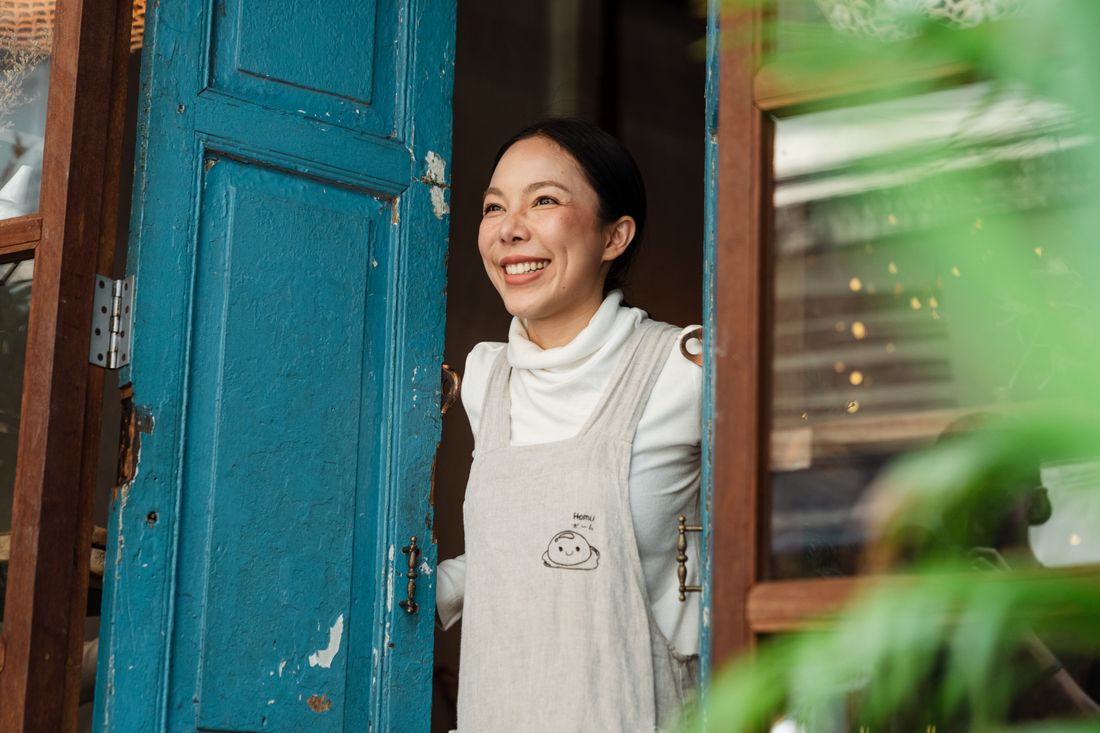
Give Google a menu it can read.
A menu that's a flat photo or PDF is invisible to Google. A real, structured menu, with items, descriptions and prices as text plus menu schema, can show up directly in search and Maps. It also keeps prices accurate everywhere. Every Town site builds the menu this way by default.
05 · Convert
Make ordering the obvious next tap.
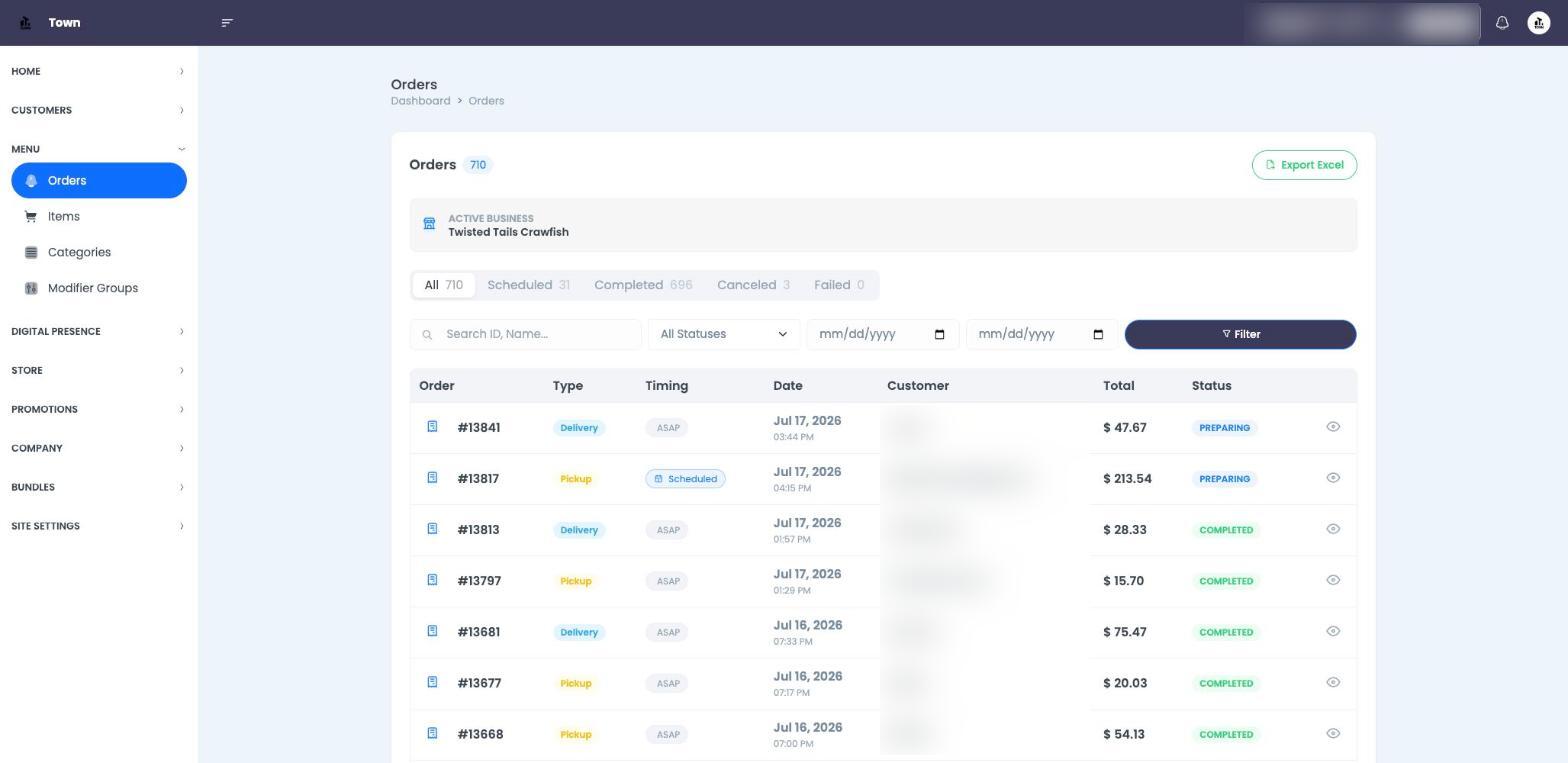
Ranking is wasted if visitors bounce. Put a clear Order button in the header and on every page, keep checkout short, and offer pickup and delivery on your own site so you keep the margin. A site that ranks and converts pays for itself; one that only looks nice doesn't.
06 · Freshness
Keep it alive so it keeps ranking.
Google favors sites that stay current. Update your menu and hours, add seasonal items and the occasional post or blog, and keep photos fresh. A living site holds and climbs its rankings; a set-and-forget one slowly slides. Town makes edits take seconds, or you can just ask Alfredo AI.
07 · The checklist
Make it rank.
Work top to bottom. The first few matter most.
FoundationsStart here
Local SEO
Menu
Conversion
Freshness
Keep it going, weekly rhythm
Frequently asked questions
What makes a restaurant website rank on Google?
Why doesn't my restaurant website show up on Google?
Does a PDF menu hurt my SEO?
Should each location have its own page?
A site that ranks, built for you
Town builds a fast, structured, ownable site with ordering in, so you get found and keep the margin.