Guide · Local SEO
How to get found on Yelp & Apple Maps
Google isn't the only map your customers use. Here's how to own the other big two.
By Town · Reviewed August 2026 · about a 6 minute read
Plenty of hungry customers never open Google. iPhone users ask Siri and Apple Maps, and Yelp still drives real reservations and orders, especially for search terms like "best tacos near me." Claiming and completing both, and keeping them consistent with Google, widens the net and reinforces your rankings everywhere. Here's the walkthrough.
01 · Why it matters
Not everyone searches on Google.
iPhone is a huge share of your customers, and Apple Maps is the default map on every one of them. Yelp still ranks near the top for restaurant searches and feeds Apple Maps too. Ignoring these two means quietly handing those customers to the restaurant that didn't.

02 · Claim Yelp
Claim your free Yelp business page.
Search for your restaurant on Yelp and claim it through Yelp for Business. If a page already exists (Yelp often creates one for you), claiming it puts you in control of the photos, hours, menu and messages. It's free, don't pay for ads until the basics are done.

03 · Complete Yelp
Fill it out like it's your storefront.
Add strong photos, your full menu, accurate hours, price range, categories and amenities. A complete page ranks better inside Yelp and looks more trustworthy. One important rule: Yelp discourages directly asking customers for reviews, so focus on a great experience and let them come.

04 · Claim Apple
Claim your place in Apple Business Connect.
Apple Business Connect is Apple's free tool to manage how you appear in Apple Maps. Claim your place, verify it, and you control the name, hours, photos, and the action buttons Siri and Maps show. Most restaurants have never done this, which is exactly why it's an easy edge.

05 · Apple place card
Make your Apple Maps card do the work.
On your Apple place card, add photos, an accurate menu, hours, and the Order and Reserve action buttons pointed where you want them, ideally your own site. A rich Apple card turns a Siri search into a booking or an order without the customer ever leaving Maps.

06 · Consistency
Keep all three maps in sync.
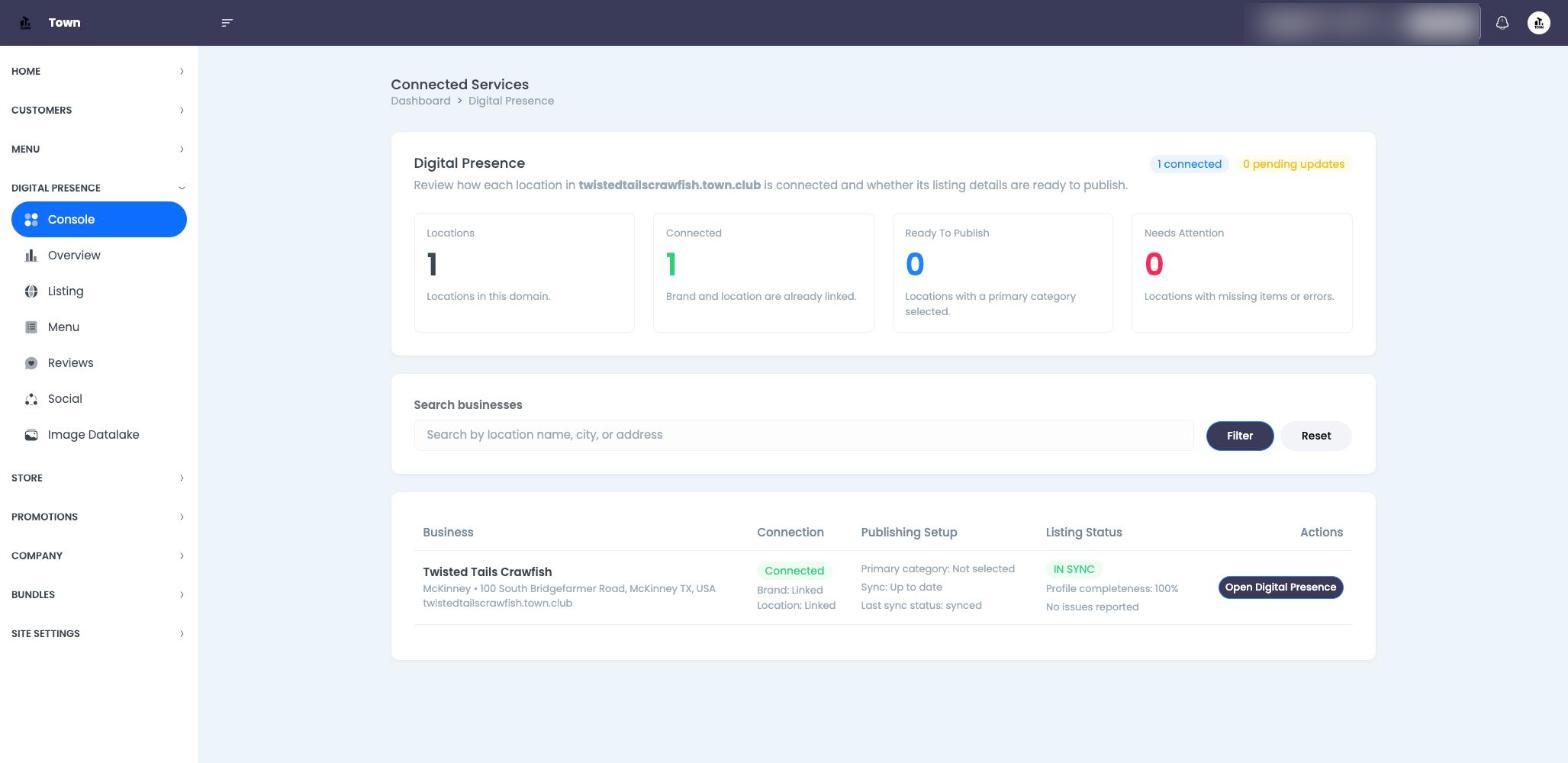
Your name, address, phone and hours should be identical on Google, Yelp and Apple. Mismatches confuse the maps and dent your ranking on all of them. Update once, everywhere, whenever something changes, Town syncs this across 50+ listings so you don't chase each one by hand.
07 · The checklist
Own the other maps.
A couple of hours now, and you show up wherever your customers actually search.
YelpStart here
Apple Maps
Consistency
Keep it going, weekly rhythm
Frequently asked questions
How do I get my restaurant on Apple Maps?
Can I ask customers for Yelp reviews?
Is Yelp worth it for restaurants?
Do Yelp and Apple Maps affect my Google ranking?
Found on every map, automatically
Town syncs your restaurant across Google, Yelp, Apple and 50+ listings, with ordering built in.