



- Help center
- Getting started
- Turning something off vs deleting it
Turning something off vs deleting it
Switch things off when you might want them back. Deleting is permanent.
Almost everything in the admin can be turned off or deleted. They are not the same thing.
- Turn it off
- Hides it from guests but keeps it, so you can switch it back on later. Look for an Active or Enabled switch, a Status of Inactive or Draft, or a Disable option.
- Delete it
- Removes it for good. Look for Delete in a row’s ⋯ menu or a red trash icon. The admin asks you to confirm first.
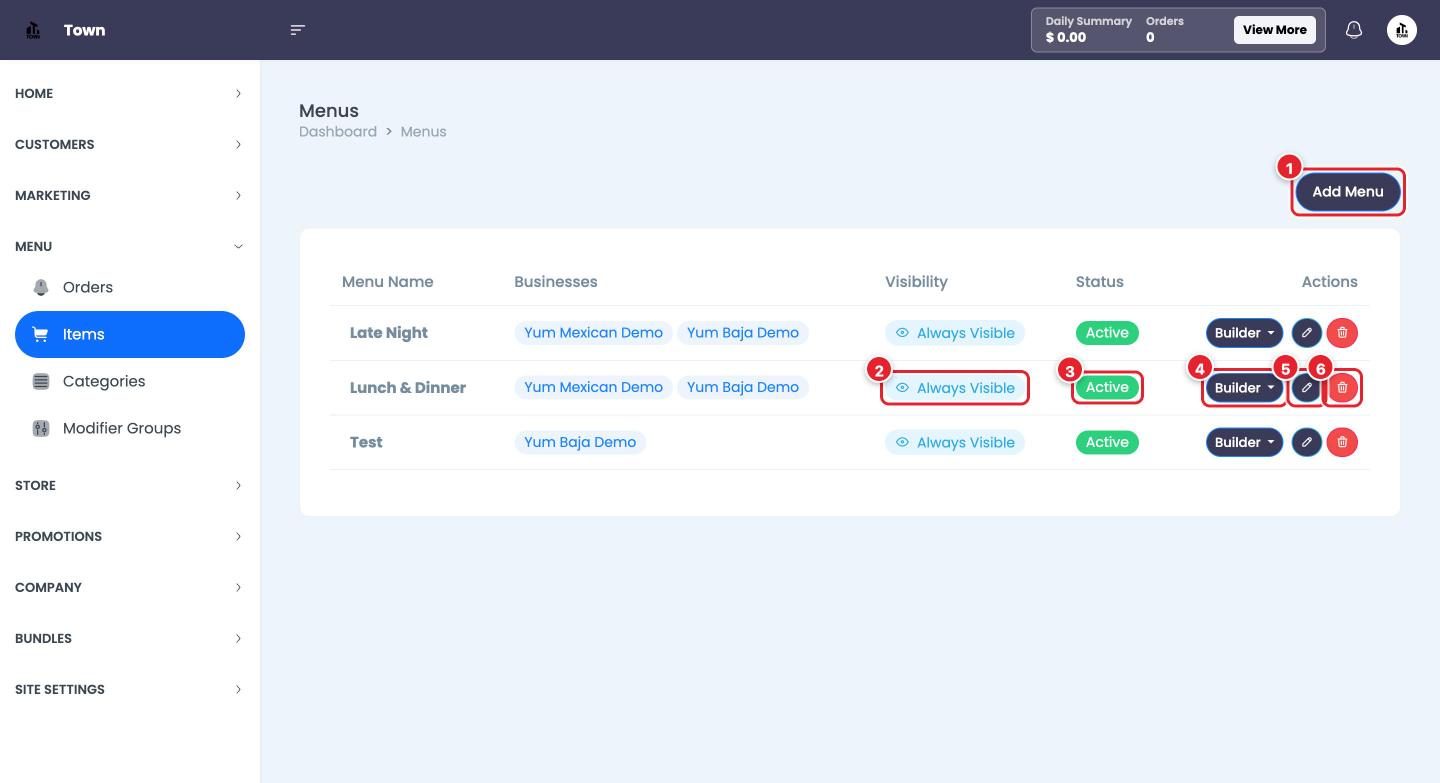
- 5Status Active or Inactive. Inactive menus are kept but guests cannot use them.
- 7Row menu Edit, or Delete to remove the menu permanently.
Tip
When in doubt, turn it off. Seasonal items, recurring promos and yearly forms are much easier to bring back than to rebuild.
Good to know
Some deletes take more with them. Deleting a form deletes its submissions, and deleting a menu removes it from every location that uses it.
Still stuck?
Ask Alfredo inside your Town admin, call (469) 249-2795 or email support@town.club. Real people answer 24/7.