



- Help center
- Menu
- Menus connected to your POS
Menus connected to your POS
If your menu comes from your POS, make menu changes there. Here is what you can still control in Town.
If your account is set up so your menu comes from your POS, Town shows POS Connected. Items, prices, categories and modifiers come from your POS: edit them there, and the changes sync to Town.
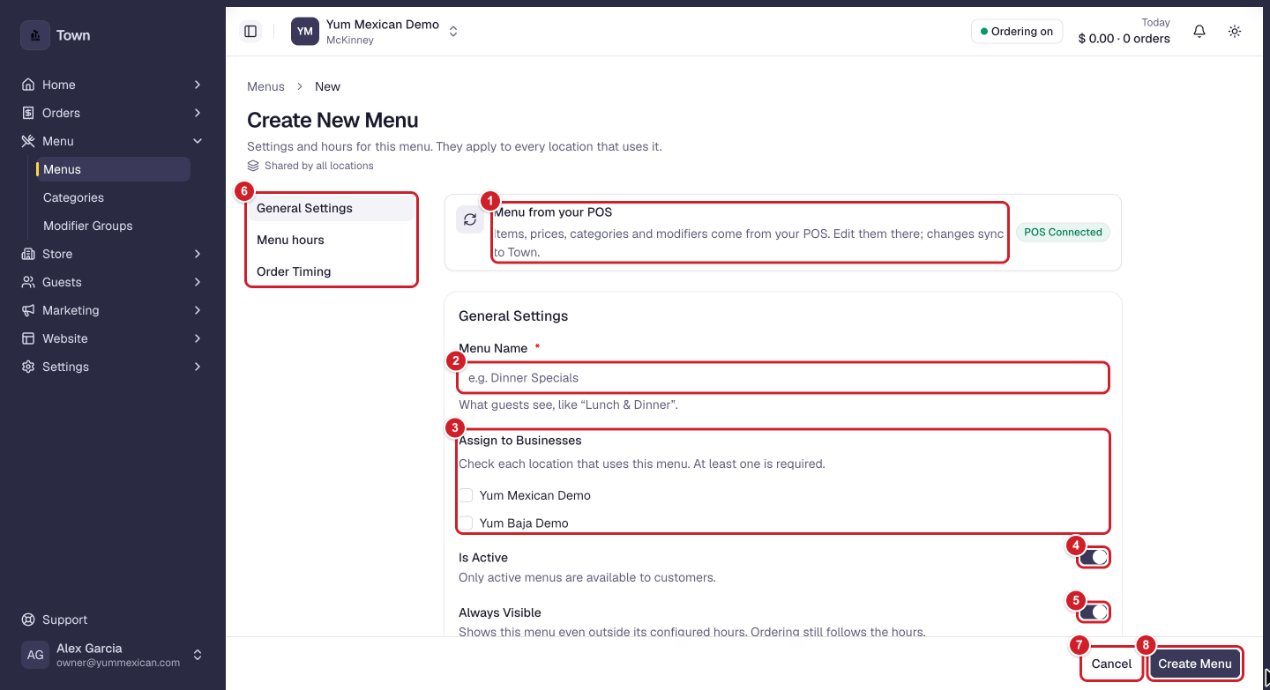
- 1Menu from your POS Items, prices, categories and modifiers come from your POS.
- Items, prices, categories and modifiers: change them in your POS.
- Menu hours and order timing: you can still set them on the menu in Town. See Create a menu and set its hours.
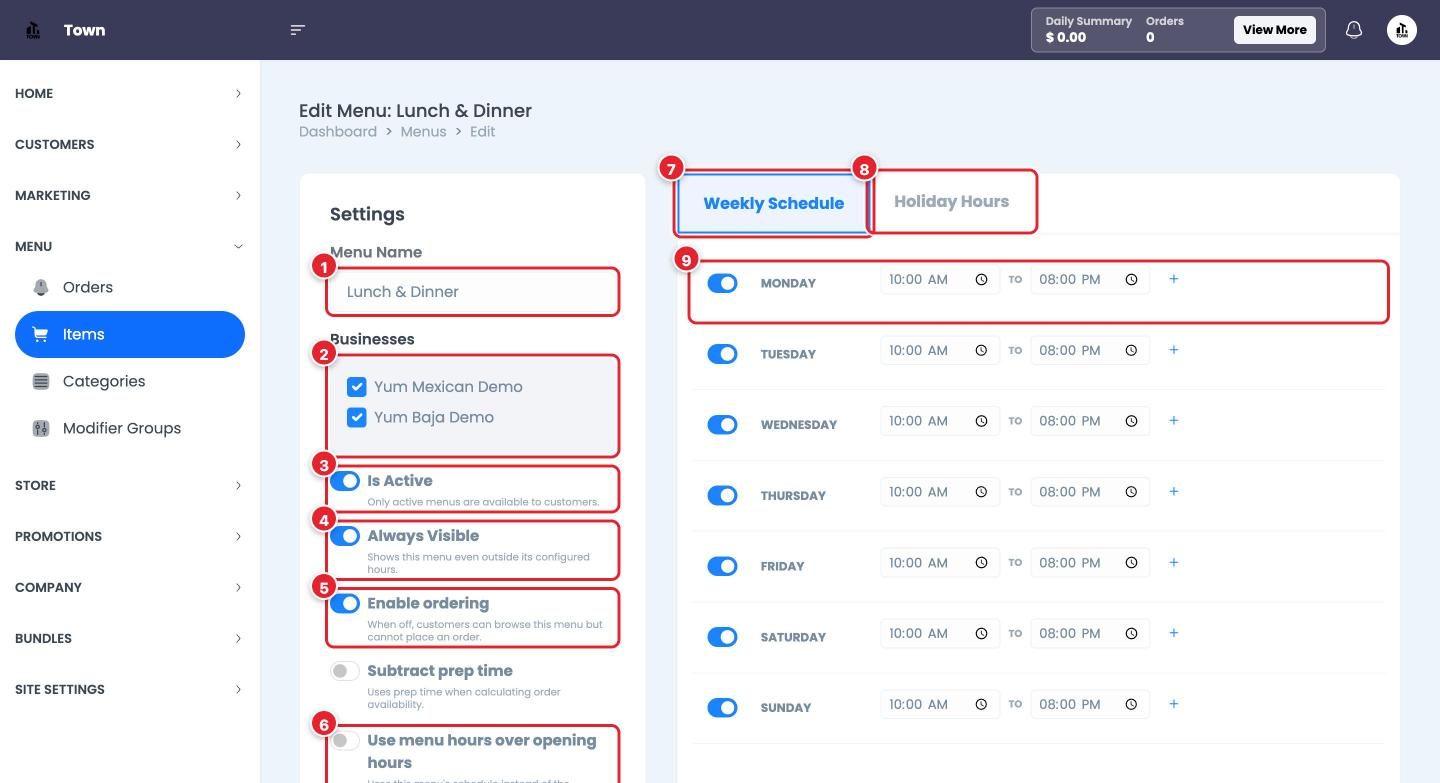
- 8Town POS Link Sync with your POS, and the name of the matching menu there.
To connect a POS to a location, use Connect POS on that location under Settings › Locations.
Good to know
If orders are rejected as "restaurant closed" while your site shows you are open, check the online ordering hours in your POS first.
Having trouble with a POS menu? Email support@town.club.
Still stuck?
Ask Alfredo inside your Town admin, call (469) 249-2795 or email support@town.club. Real people answer 24/7.